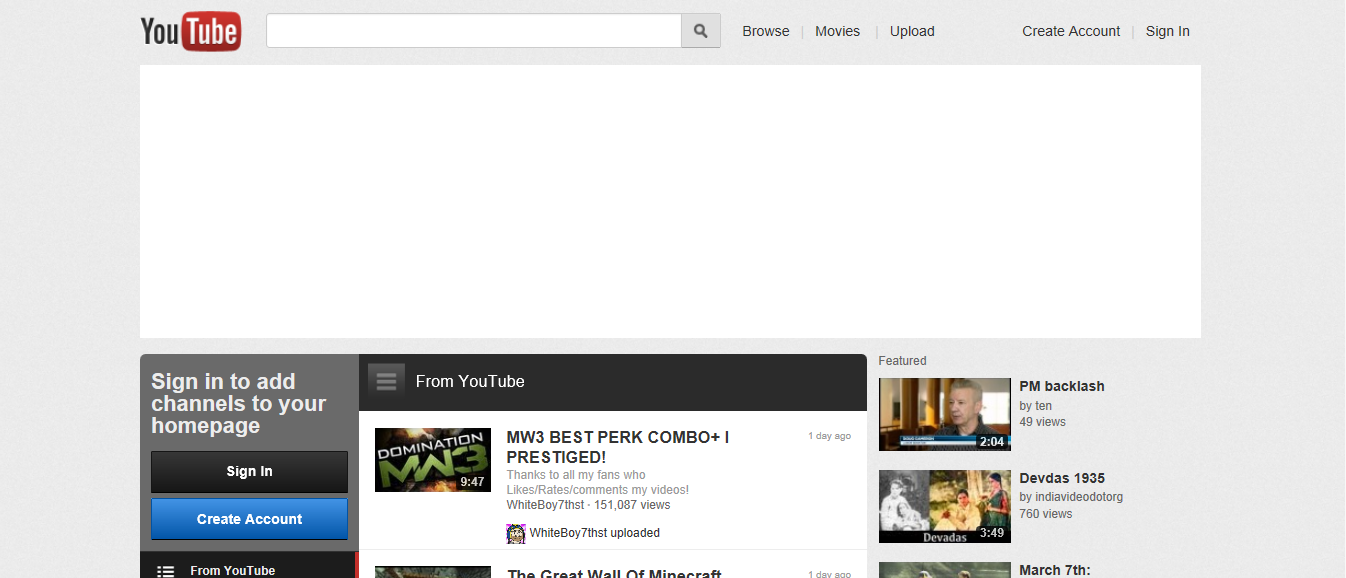
(Image source: YouTube)
YouTube is a website that allows anyone to upload or view movies from an place at anytime. It is a great way to gain knowledge through the use of visual aids. I have found it very useful, because I think it is a more interesting and easy way to learn.
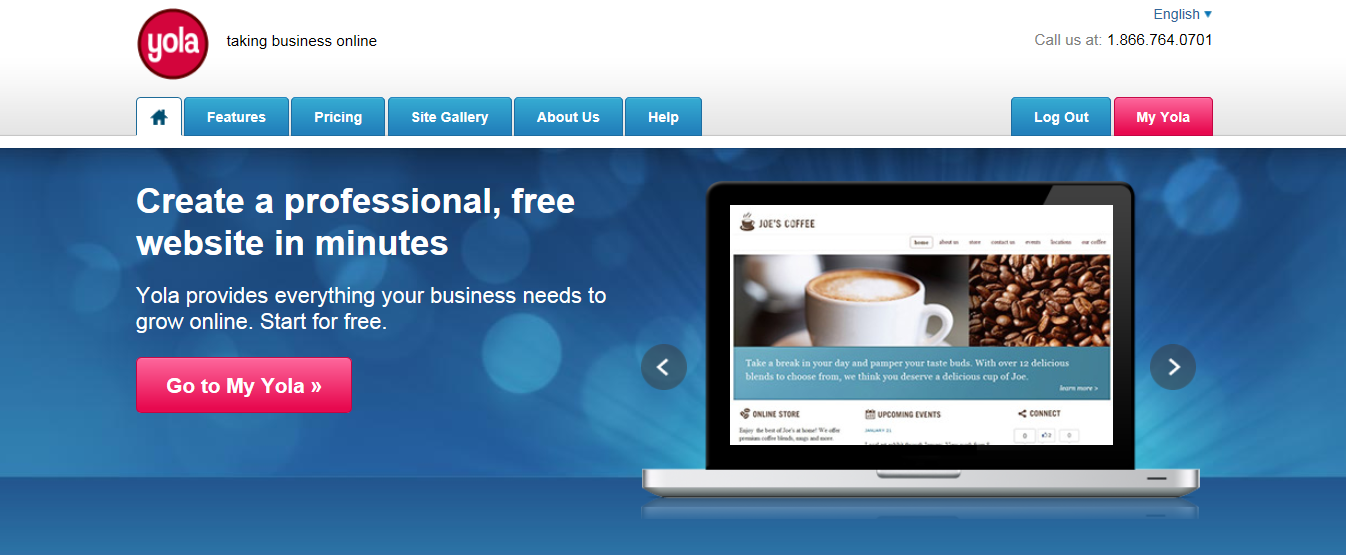
(Image source: Yola.com)
Yola is the site I used to create the webpage you are currently viewing. It is surprising easy to use and gives you step by step instructions on what to do. You can use Yola for free and I think that the free version allows you to do a huge amount of things, but if your looking for that little bit extra you can also buy Yola for a small fee.
Taste
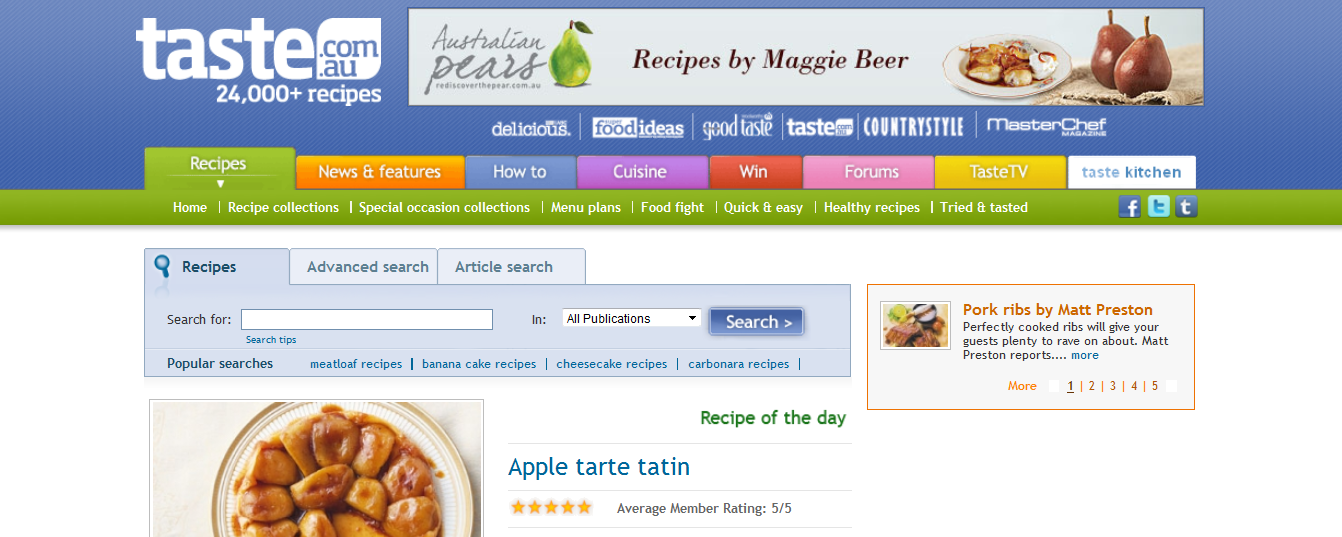
(Image source: Taste.com)
Taste is the one of the resources I used to create my assignment 1B. I was pleased I came across this site and have continued to use it in my kitchen with my son. You can create your own menu, find lots of yummy recipes, talk to other cooks and there is heaps more. If you love your cooking I would highly recommend you check this site out.
Diigo
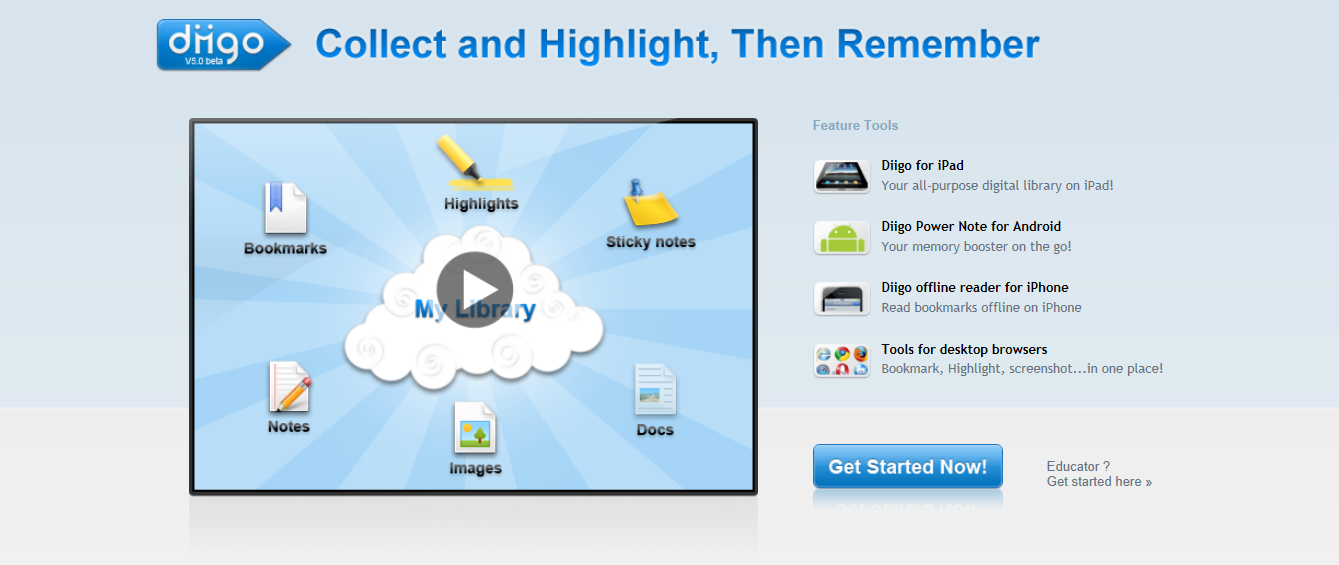
(Image source: Diigo)
Diigo is a awesome easy to use web tool that lets users bookmark, add
sticky notes and highlight internet pages. I use this tool pretty much everyday or at least every time I'm on my laptop. PLease click on the link provided about to browse this great tool for yourself.
Screencast
http://www.screencast.com/
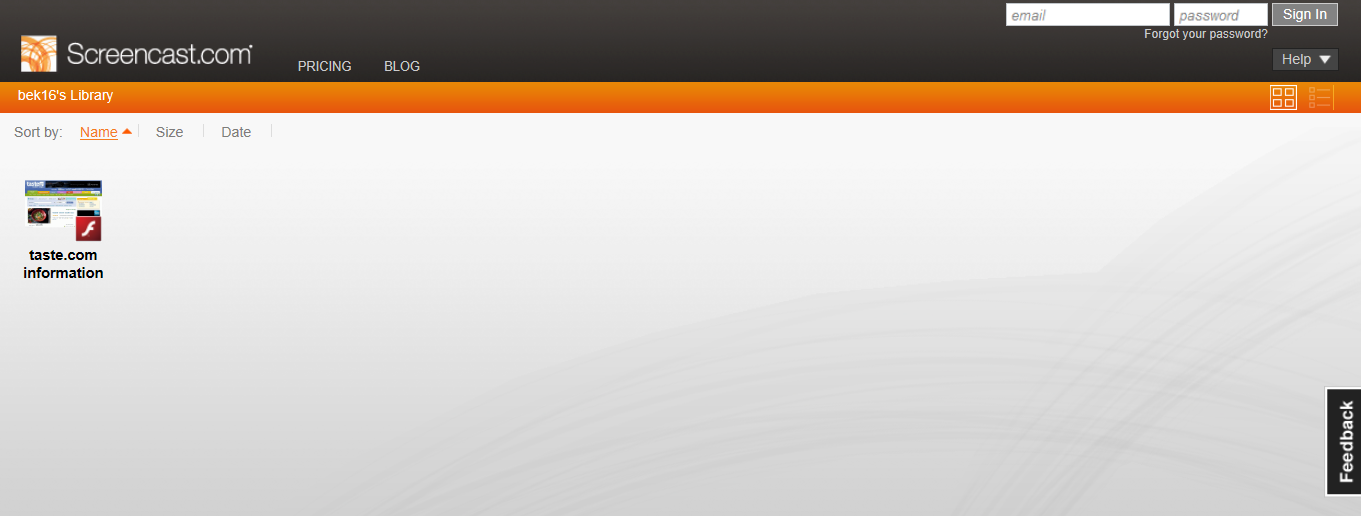
Screencast provides you with your own personal account where you can create and keep your own library of videos. You can share this videos with the easily accessible embed code, and the videos looks very professional and well created.
Wiki
(Image source: Wiki)
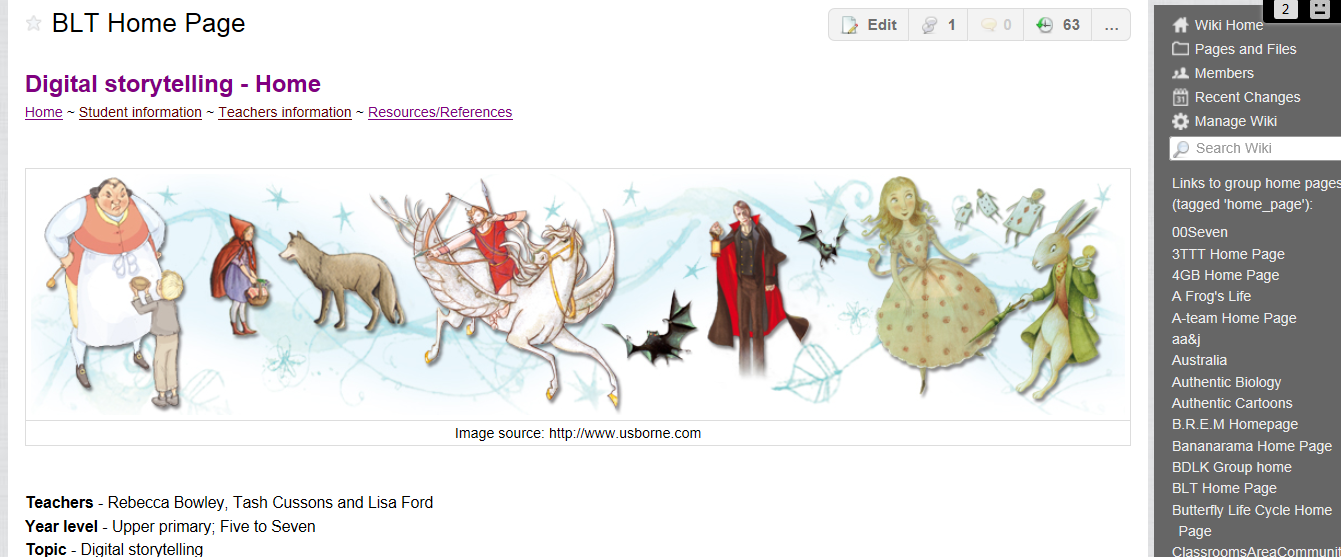
That image is of my groups wiki space from assignment 3. Wikis are great for people wanting to work in a group because it allows everyone to keep track of each persons efforts and if something is deleted it can be easily recovered. The wiki also allows you to speck to one another through a messaging system, which is great because everyone knows its not always easy to catch up and go through things with such busy lives.
(Image source: Google)
Google is a resource most people would have heard of, but if you haven't this is the worlds biggest internet browsing site. It lets you easily grab information on the subject of your choice. Google has other great tools like scholar, image searching and internet shopping etc...
iTunes
http://itunes.apple.com/au/genre/music/id34
(Image source: iTunes)
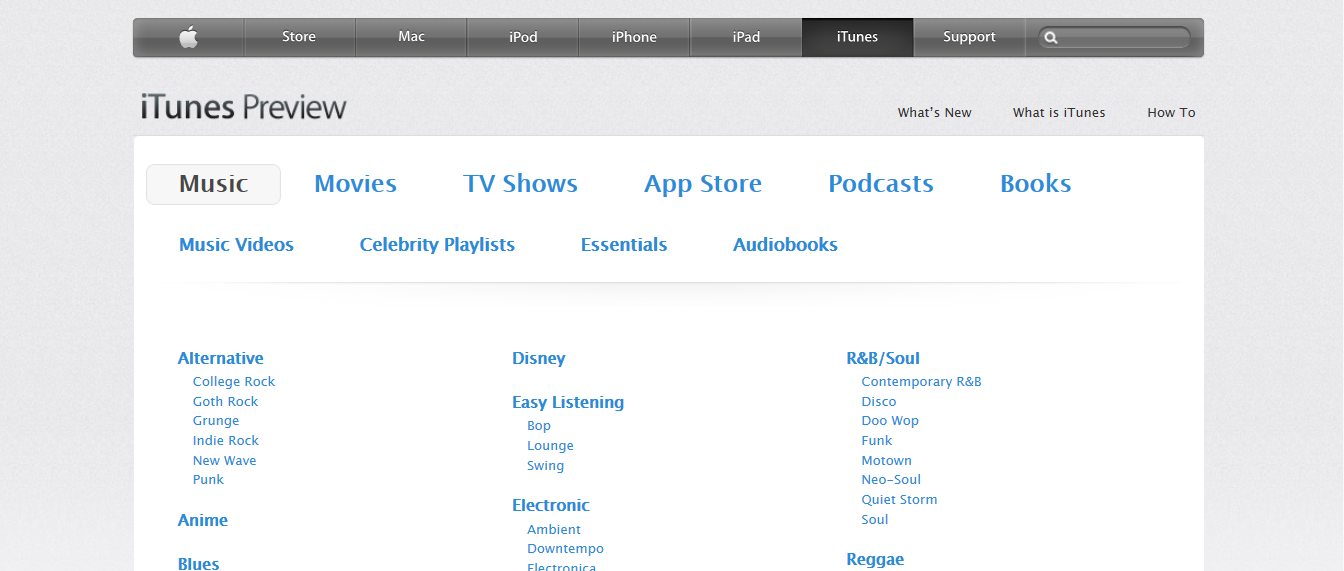
iTunes enables you to download all the music you want to your computer of apple iPhone. It has an enormous range of products including music, videos, podcast and apps.
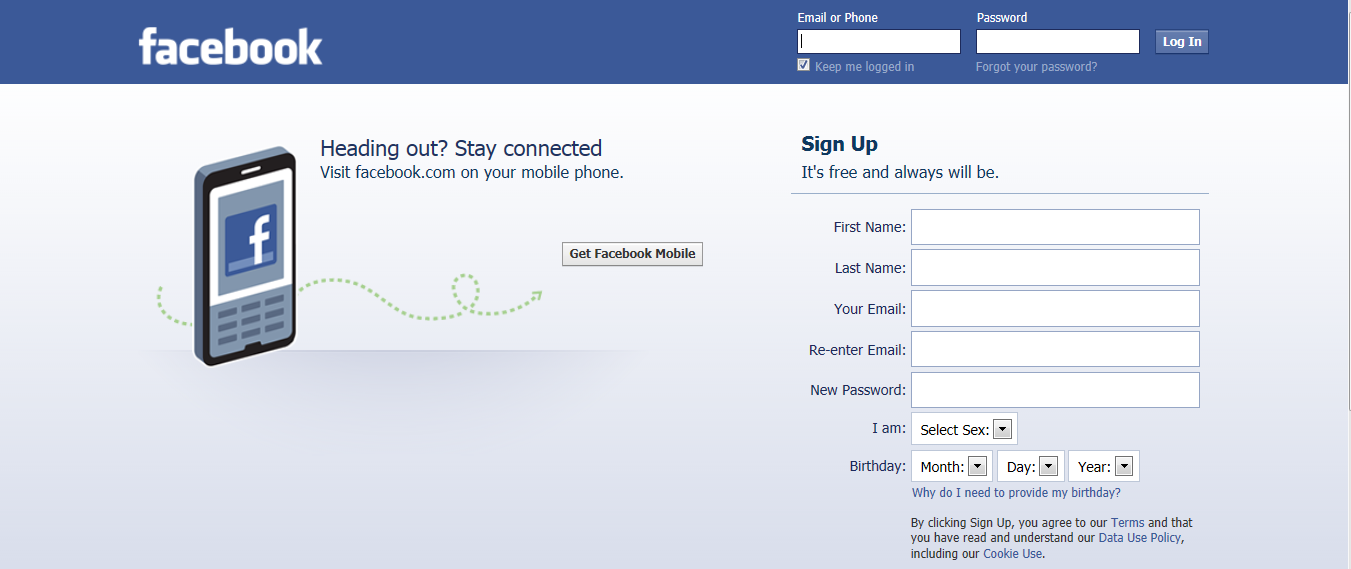
(Image source: Facebook)
Facebook allows people to connect all around the world. It removes the barrier of distance for those who are looking for friendship, love or just someone to talk to. It also allows you to connect with old friends or even just chat to your current ones. Facebook has flexible privacy settings so it is your choice what you don't want your non approved friends to see.
Jing
http://www.techsmith.com/jing.html?gclid=CP-ItJPCoLACFYhLpgod02F9Wg
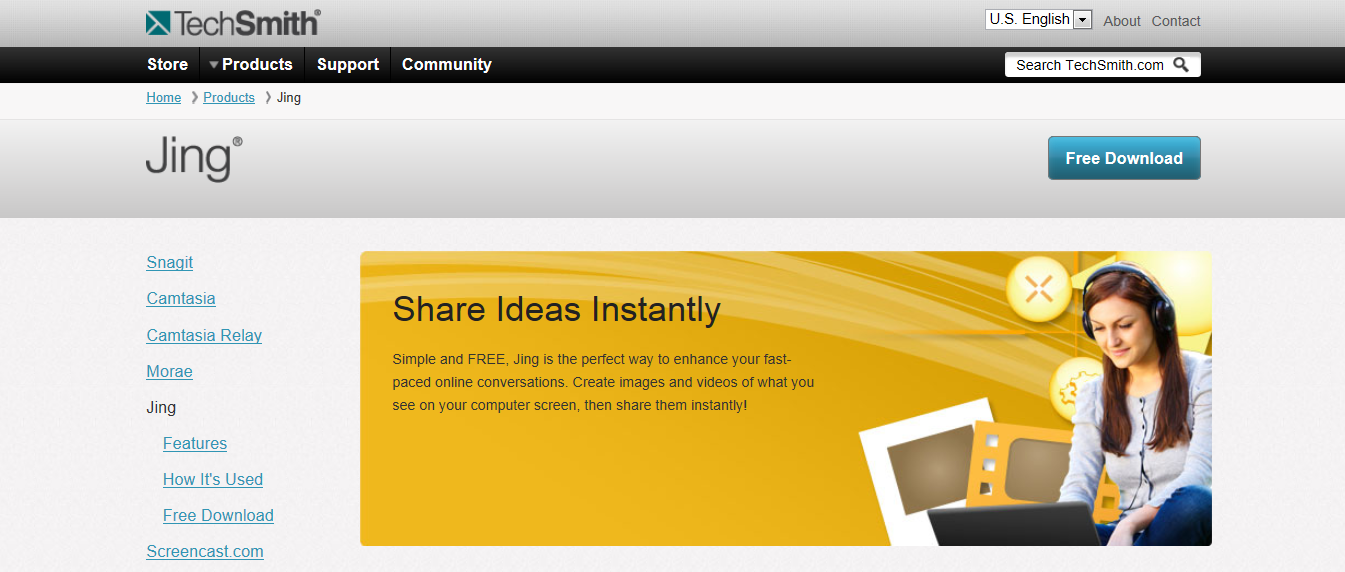
(Image source: Jing)
Jing has perhaps been the most helpful site I have used this semester. Before starting my first year of university I had no idea how to produce a screen capture, but one of my peers Lisa Ford suggested this resource to me and I have used it ever since. The site once downloaded allows you to easily take a shot of any part of your screen by the click of a button. You can also create movies using it as well. If you are already highly experienced in doing these things I would recommend something a little more advanced otherwise go for it, give it a shot it really helps.
